umo
English
Baro InputAndroid keyboard

Scan text.
Insert it as you type.

Use a photo to read long numbers on product labels or text printed on paper. Pick the line you need, check it, and insert it into the app you’re using.

Join the closed test
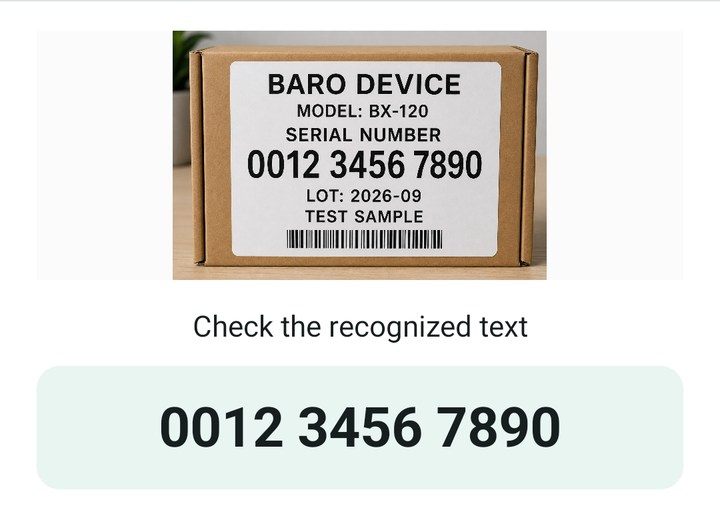
Baro Input confirmation screen showing a sample label and the recognized number 0012 3456 7890

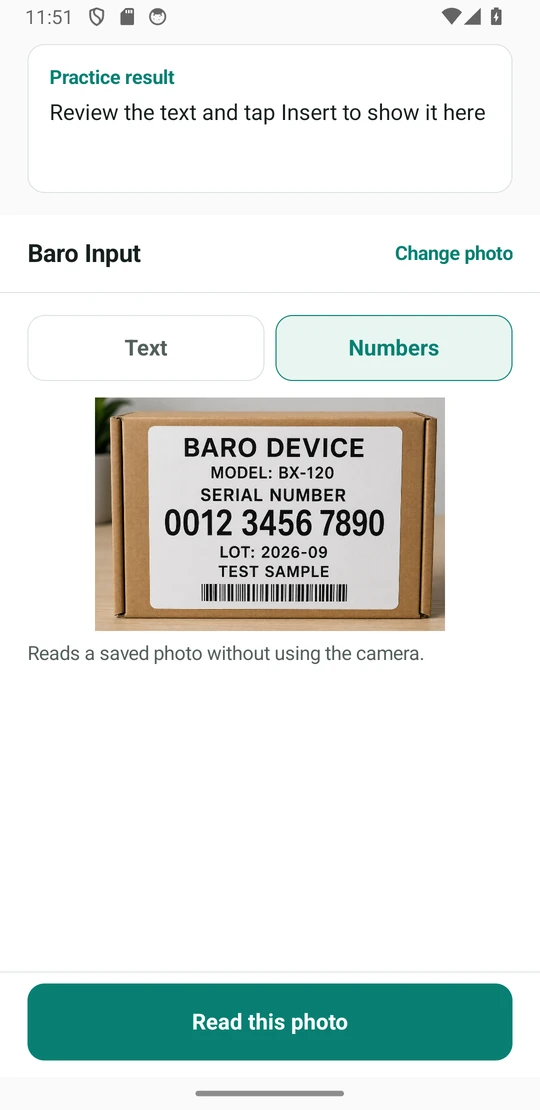
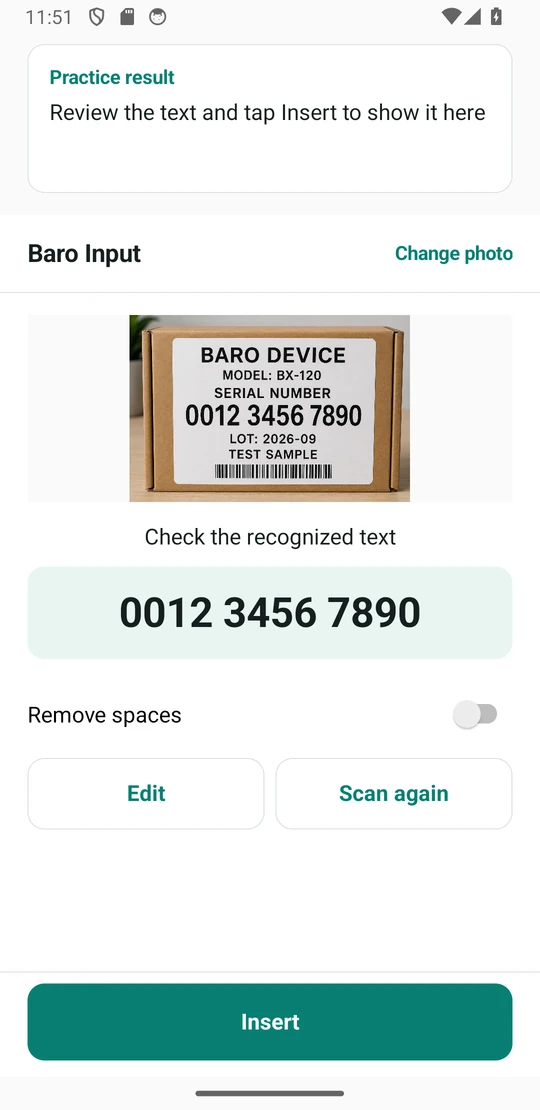
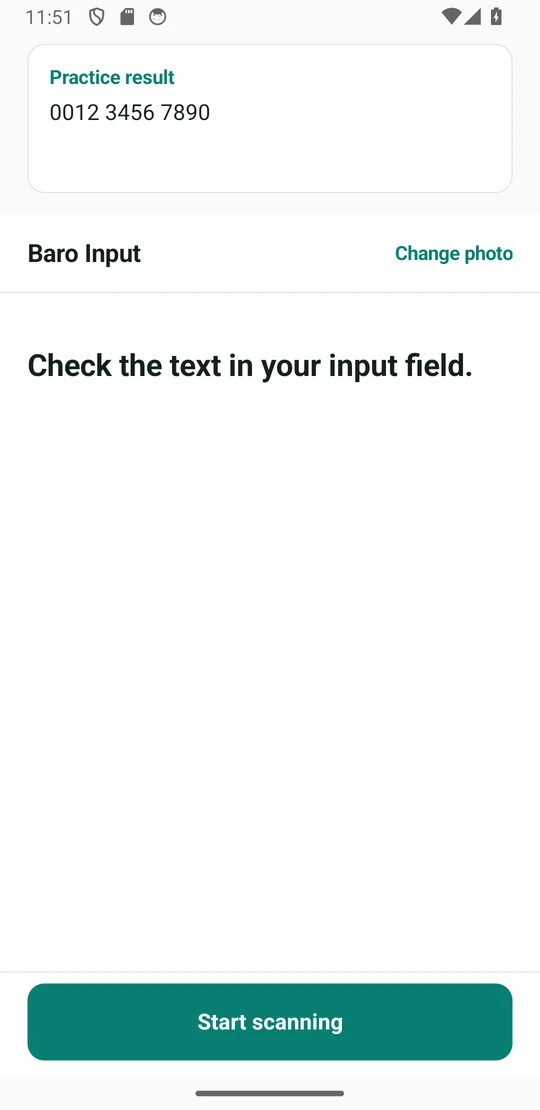
Scan, review, and insert

Baro Input in 15 seconds

Try it on Android and stay enrolled in the Google Play closed test for 14 days.

Request a tester invite

These practice screens show how to scan and insert text from the built-in sample label. See first-time setup

Photos are processed on your device.

Keyboard and recognition settings

Enable the keyboard
Open Baro Input, tap ‘Open keyboard settings’, and enable Baro Input in Android settings.
Switch keyboards
Tap the field you want to type in and select Baro Input from Android’s keyboard picker.
Choose a recognition language
In Text mode, use the recognition language menu to choose Korean, English, Japanese, or Chinese.
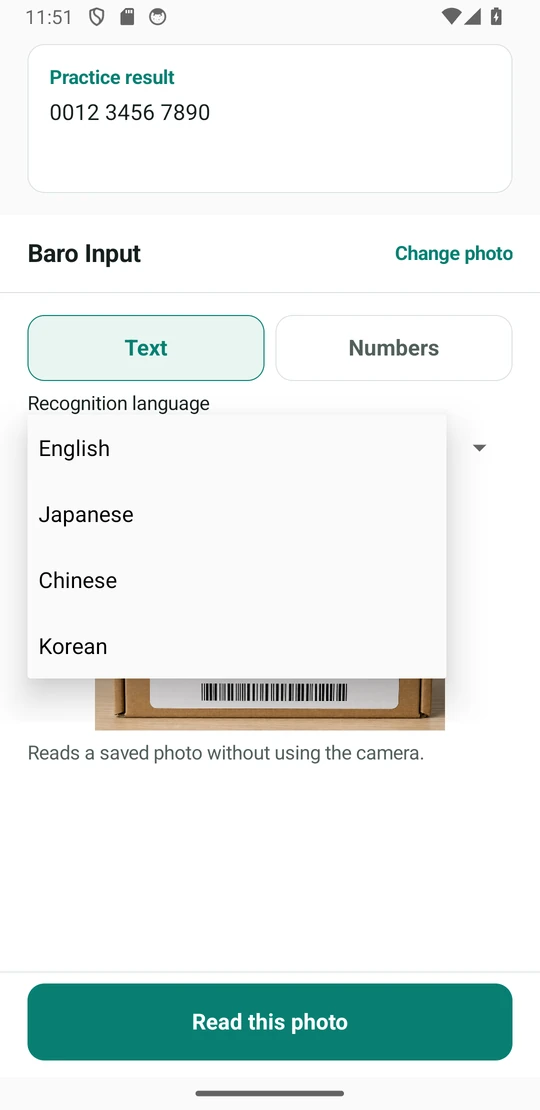
Recognition language menu in Text mode with English, Japanese, Chinese, and Korean options View larger

Join the closed test

Try Baro Input on a device running Android 8.0 or later and tell us what could work better when scanning or inserting text.

Request access by email

When your email app opens, include the Google Account email you use for the Play Store. Send your request to ceo@umo.im.

We’ll use your Google Account email to register you for the closed test and send instructions for joining.

Show address and message for webmail

To ceo@umo.im

Subject [Baro Input] Closed test access request

Hello, I’d like to join the Baro Input closed test.

Google Account email I use for the Play Store:
  1. Send a request

    We’ll add the Google Account you use for the Play Store to the Alpha tester list.

  2. Join after you receive confirmation

    Use the Google Account you registered with to open the Google Play test page. Choose to join the test, then install the app.

  3. Stay enrolled for 14 days

    Try scanning a built-in sample or a product label. If you run into problems, reply to your confirmation email.